PCB Board Faulty
or Just Loose Wiring?
“PCB Problem” is the most expensive phrase in appliance repair. Learn how to tell if it’s a real failure or a simple connection issue before you pay.
The Hidden Culprit: Rats
Did you know? In 40% of cases in Indian homes, the PCB is fine. Rats enter from the bottom mesh and chew the wiring harness. This breaks the signal, making the machine look “dead”. A simple wire reconnect (₹500) fixes what looks like a PCB failure (₹5,000).
Don’t Replace It Yet
Modern machines in Mysuru and Bangalore face humidity and vibrations that loosen connectors. Understanding the difference between a brain dead PCB and a loose nerve can save you thousands.
Understanding the “Brain” vs. “Nerves”
Think of the PCB as the brain and the Wiring as the nerves.
- If the “Brain” (PCB) is dead, the machine does nothing.
- If the “Nerve” (Wire) is cut, the machine tries to work but fails (e.g., motor hums but won’t spin).
- Key Insight: Wiring faults are intermittent (work sometimes). PCB faults are usually permanent.
Symptom Checker: PCB vs Wiring
Match your machine’s behavior to the likely cause.
| Symptom | Likely Wiring Issue? | Likely PCB Failure? |
|---|---|---|
| Machine works intermittently | YES (Loose contact) | No |
| Stops when vibrating (Spin) | YES (Connector shaking) | No |
| Display Dead (No Lights) | No | YES (Power blown) |
| Burning Smell | Possible (Short circuit) | YES (Component burnt) |
| Error Code (e.g., PE, IE) | YES (Sensor wire cut) | Possible |
How to Verify Before Paying
Ask your technician to perform these specific checks. We use advanced diagnostic tools to be sure.
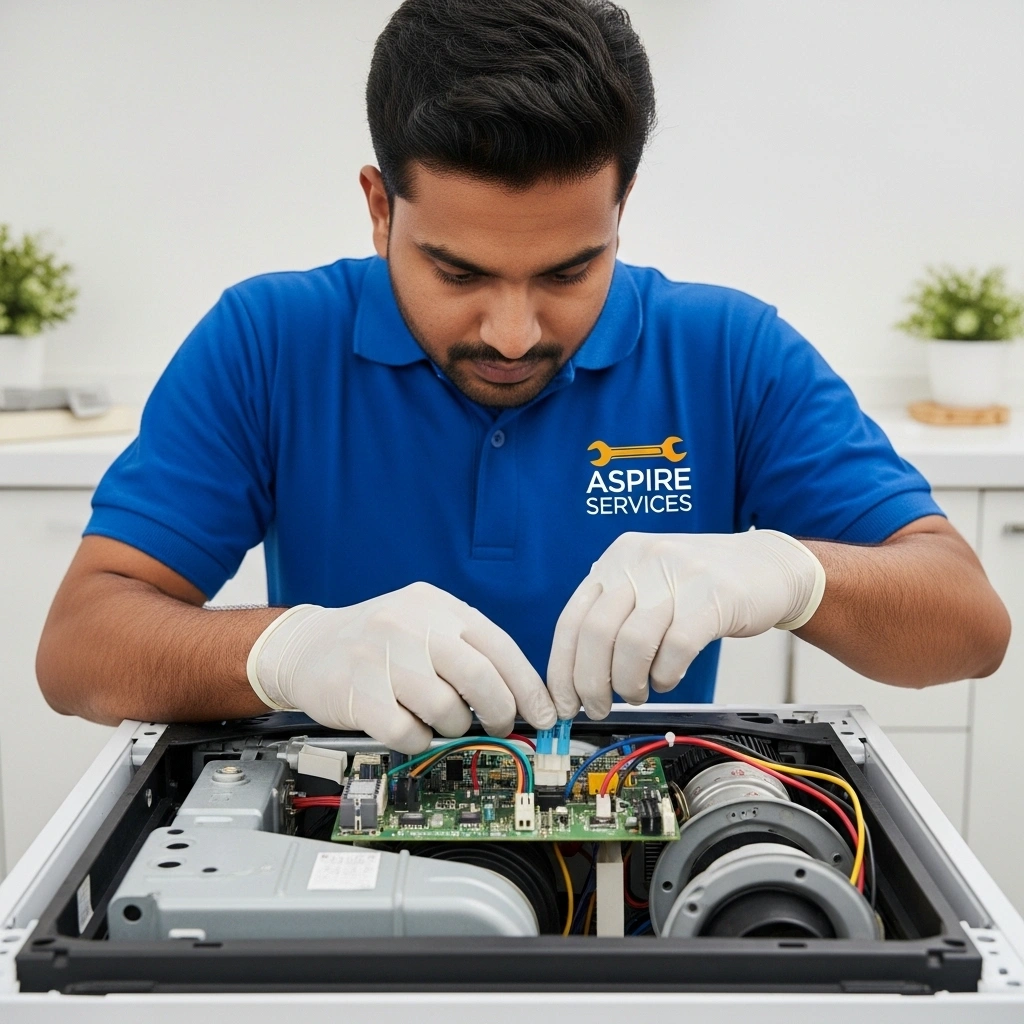
1. Visual Check
Open the back panel. Look for chewed wires, black soot marks, or rusted connectors.

2. Continuity Test
The technician MUST use a multimeter to check if electricity is reaching the board. If not, it’s a wire break.

3. Connector Cleaning
Simply unplugging and replugging the white connectors on the PCB often scrapes off carbon and fixes “dead” machines.
Protect Your PCB
Prevention
- Rat Mesh: Install a steel mesh at the bottom to prevent rodent entry.
- Stabilizer: Use one to prevent voltage spikes from frying the board.
- Keep Dry: Never splash water on the keypad/display area.
Mistakes to Avoid
- Don’t keep the machine in a damp bathroom. Moisture kills electronics.
- Don’t ignore the “Error Codes” displayed.
- Don’t force buttons if they aren’t responding.
Frequently Asked Questions
Can a PCB be repaired or only replaced?
Many PCBs can be repaired! If it’s just a small capacitor or fuse, a chip-level repair costs 50% less than a new board.
Is it safe to use a machine with wiring issues?
No. Exposed wires can cause short circuits, shocks, or even fire. Get it insulated immediately.
Does Aspire offer chip-level repair?
Yes. We always attempt to repair the original board first to save you money. Replacement is the last resort.
Get an Honest Diagnosis.
We check every wire before we blame the board. Save money with Aspire.
CALL EXPERTS: 9066472722